

imgimg
Features
Streamlined Plesk Server Management for Windows & Linux Environments
Main Features

Initial Server Setup & Configuration

Full installation and configuration of Plesk on both Windows and Linux servers

24/7 Server Monitoring & Support

Round-the-clock monitoring and technical assistance to resolve any server issues.

Security Hardening

Implementation of best practices for firewall setup, malware protection, and vulnerability patching.

Backup & Disaster Recovery

Automated backups and comprehensive disaster recovery plans to ensure data safety and business continuity.

Performance Optimization

Server tuning, caching strategies, and resource allocation for optimal performance and load handling.

License Management

Expert handling of Plesk license procurement, renewal, and version upgrades for both Windows and Linux.
WHY CHOOSE US
Why Choose Our Plesk Services
img

Why Opt for Expert Plesk Server Management for Your Business?

Choosing expert Plesk Server Management ensures your business benefits from secure, stable, and high-performing hosting environments. With professional oversight, you get proactive monitoring, rapid issue resolution, and optimized server configurations tailored to your needs.

It reduces downtime, strengthens security, and allows your team to focus on core operations while experts handle the technical complexities.

FAQS
Your Questions About Plesk Support
Find Answers to the Most Common Questions

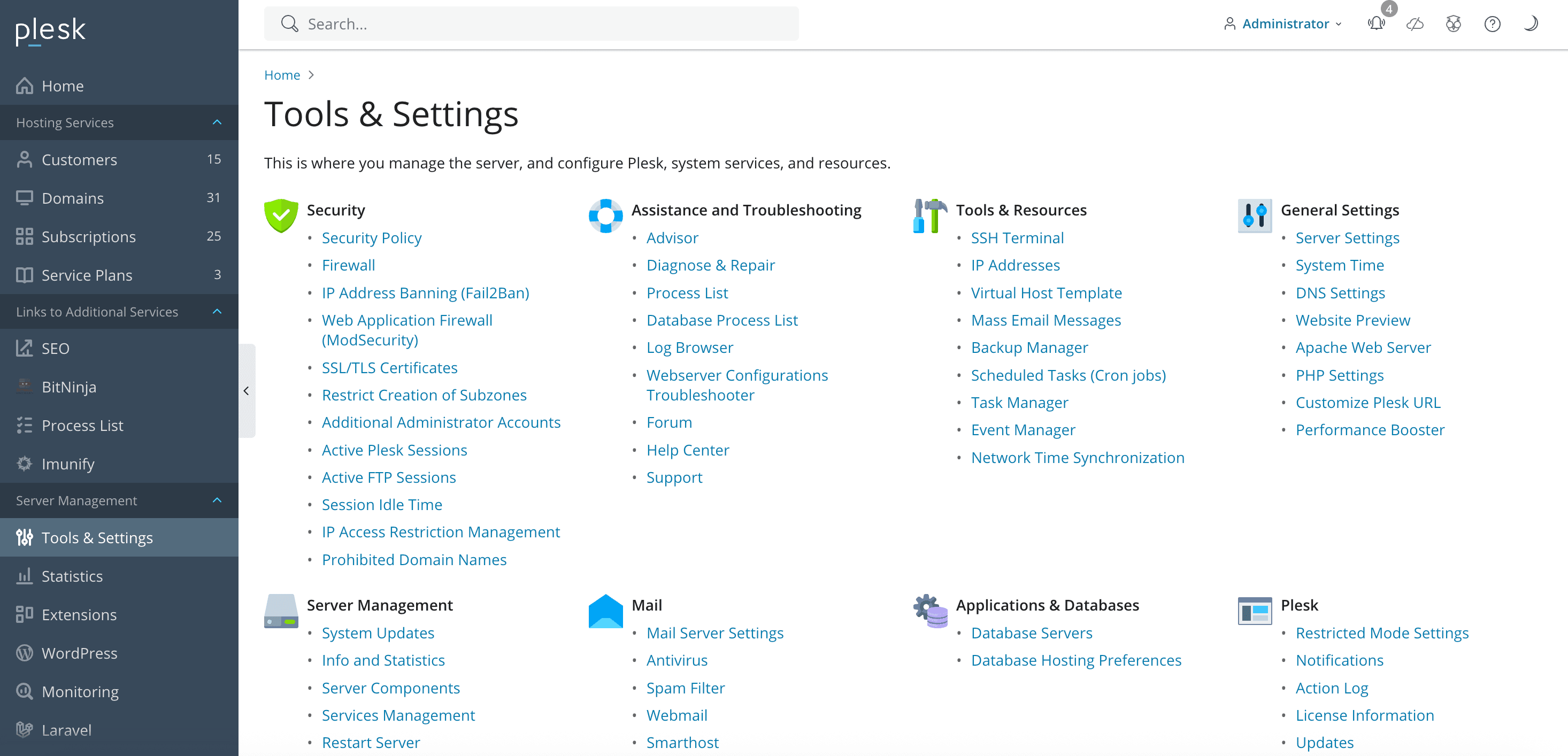
Plesk is a powerful web hosting control panel that allows users to manage websites, domains, emails, databases, and more through an intuitive web-based interface. It is compatible with both Linux and Windows servers and is commonly used by web developers, hosting providers, and agencies to simplify server and website management.

With Plesk, you can: Manage multiple websites and domains Create and manage email accounts Install CMS platforms like WordPress with one click Manage databases such as MySQL and MSSQL Set up DNS records and SSL certificates Schedule backups and monitor performance Plesk is ideal for both beginners and advanced users who want centralized control over their hosting environment.

Plesk and cPanel are both control panels used to manage web hosting accounts, but they differ in several ways: Operating System: Plesk supports both Windows and Linux, while cPanel is primarily Linux-based. Interface: Plesk has a cleaner, modern UI with a more application-focused layout. User Roles: Plesk provides a more granular role system (admin, reseller, client). Extension Support: Plesk offers a wide variety of built-in extensions and integrations. The choice depends on your OS preference and specific project needs.

Yes, Plesk is an excellent choice for resellers and agencies. It allows the creation of multiple user accounts, each with its own isolated environment. You can define hosting plans, allocate resources, and provide your clients with their own Plesk dashboard under your brand. The role-based access system also helps with account delegation and security.

Absolutely. Plesk includes a WordPress Toolkit that makes it easy to install, manage, and secure multiple WordPress instances. You can perform automatic updates, clone sites, manage plugins and themes, and even enable staging environments. It also supports other popular CMS platforms like Joomla, Drupal, and Magento through one-click installs.

Yes, Plesk comes with several built-in security features such as: Fail2Ban intrusion prevention Integrated firewall and antivirus support SSL certificate management with Let's Encrypt Role-based access controls Automatic security updates and patch management You can also add security extensions like ImunifyAV or Cloudflare to further enhance protection.